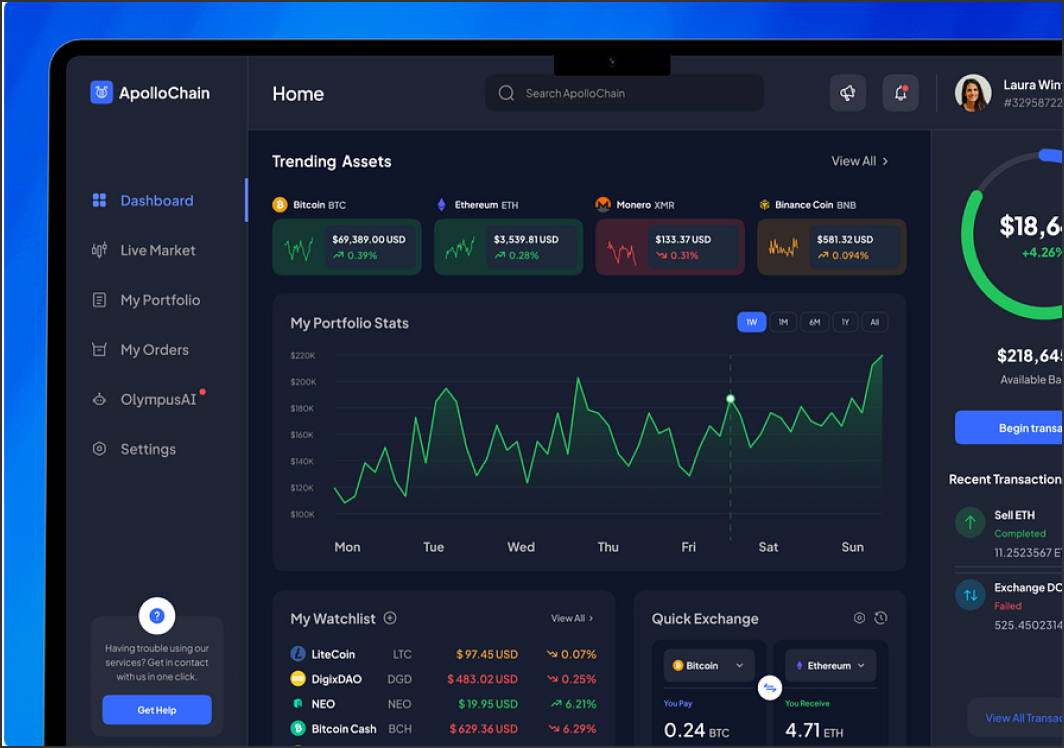
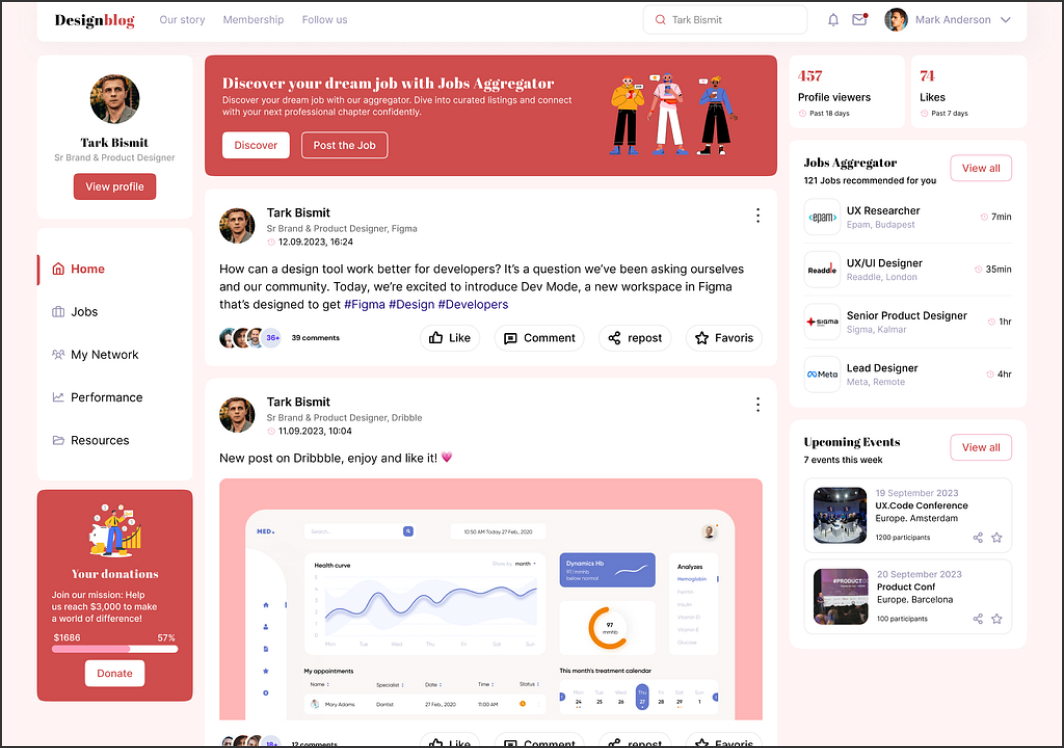
KeystoneJS is a Node.js-based CMS framework that lets you shape the admin panel and content model around how your business actually works. Instead of forcing your services into generic “pages,” you can create structured content types, rules, and workflows that match your needs – from service catalogs to locations, specialists, and lead intake forms.
Where KeystoneJS shines
Keystone is a strong fit when you want a modern website with custom requirements, but still need a clean interface for editors. It’s often chosen when integrations matter – CRM handoff, booking, member areas, custom search, or data that must sync with internal systems.
How we build Keystone into a practical content system
– Content modeling that reflects user intent (services, categories, FAQs, team, locations)
– Editor-friendly admin UI with safe fields and predictable validation
– SEO-ready structure: slugs, metadata, headings, open graph, internal linking rules
– Performance-first front end so pages stay fast and UX/UI stays consistent
Typical implementation flow
We map key pages and conversion paths, define reusable content types, then design admin screens that are simple for editors. After that, we build a lightweight front end and test real editing scenarios so publishing stays safe and consistent.
What you gain after launch
With KeystoneJS, your website can scale without becoming messy. New pages follow the same structure, content stays consistent across devices, and marketing teams can publish updates without breaking layout. For medical and service businesses, this also improves trust – information remains accurate, easy to scan, and aligned across the site.
If you need a CMS tailored to your workflows while keeping the website modern, stable, and promotion-ready, KeystoneJS is a strong direction to consider.
KeystoneJS Overview
KeystoneJS Key Features
| Feature | Value |
|---|
| Self hosted |
❌ |
| Data driven |
✅ |
| Free |
❌ |
| Git based |
❌ |
| Saas |
✅ |
| Cloud |
✅ |
| Cloud based |
✅ |
| Localization multilingual |
✅ |
| Open source |
❌ |
| Graphql |
❌ |
| Page builder |
❌ |
| User roles permissions |
✅ |
| Content scheduling |
✅ |
| Webhooks |
✅ |
| Media library |
✅ |
| Dark mode |
✅ |
| Customizable api |
✅ |
| In app marketplace |
✅ |
| Sso enterprise |
✅ |
KeystoneJS Tech Stack
| Tech Stack |
|---|
| Backend: | Cloud-based |
| Database: | Managed |
| API: | REST |
| Frontend Friendly: | |
KeystoneJS GitHub Statistics
KeystoneJS Use cases
- Enterprise websites
- Multi-language publishing
- SaaS content platforms
- Omnichannel delivery
- Structured content governance
KeystoneJS Integrations
- Webhooks
- CDNs
- Enterprise SSO
- Analytics toolchains
KeystoneJS Authentication methods
- Email & Password
- SSO (SAML, Okta, Azure AD)
- OAuth / OpenID Connect
KeystoneJS Security features
- Role-based access control
- Audit logs (Enterprise)
- Rate limiting
KeystoneJS Deployment options
- Kontent.ai Cloud
- Any hosting (via API)
KeystoneJS Localization
- Enabled: True
- Interface:
- Content Translations: True
KeystoneJS Analytics
- Built-in: False
- Integrations:
- Google Analytics
- Matomo
- Segment
KeystoneJS Additional Info
- License: Commercial (SaaS)
- Status: active
- Pricing:
Free Plan – False,
Paid From – ,
View Pricing
- Content Modeling UI: Structured content types with governance-first workflows and permissions
Page Updated: 2025-12-30