A Content Management System (CMS) is a foundational tool for creating, managing, and delivering content on digital platforms. Traditional CMS solutions like WordPress or Joomla combine the backend and frontend in a tightly coupled architecture. While once effective, these systems often fall short when it comes to flexibility, speed, and scalability—especially as digital demands grow.
To meet these modern challenges, many businesses are transitioning to decoupled (or headless) CMS—an approach that separates content management from content delivery, offering a more scalable and agile solution.
What is a Decoupled CMS?
A decoupled CMS is an architecture where the backend (content repository and management) is separated from the frontend (user interface and presentation). The backend exposes content through APIs—commonly REST or GraphQL—and the frontend can be built using any modern technology.
This separation allows developers to craft highly customized and optimized user experiences without the limitations of traditional CMS templates. It also enables content reuse across multiple channels like mobile apps, digital signage, or even wearables.
Here’s a simple breakdown of how it works:
[Content Backend] → [API Layer] → [Frontend: Website / Mobile App / IoT]
Business Benefits
Switching to a decoupled CMS architecture unlocks a range of benefits that can significantly boost your digital performance and business agility:
- Faster load times and SEO optimization: Decoupled frontends can be optimized for speed, directly impacting search rankings and user retention.
- Multi-platform reach: Content can be delivered simultaneously to web, mobile, and even IoT devices from a single source.
- Unmatched design flexibility: Developers aren’t bound by CMS themes and can create tailor-made experiences.
- Improved security: The public-facing frontend has no direct access to the CMS backend, reducing exposure to vulnerabilities.
- Simpler updates and scalability: Each system component can be updated or scaled independently.
When Should You Consider Switching?
A decoupled CMS isn’t necessary for every website—but it’s the right choice in several common scenarios. If you find yourself in one of these situations, it may be time to upgrade:
- You’re planning a major redesign or building a new digital platform from scratch.
- You require high-performance delivery for SEO, e-commerce, or content-heavy sites.
- Your platform is part of a larger ecosystem, needing to integrate with apps, CRM, or internal tools.
- You want to reuse content across various formats and platforms without duplication.
Technologies We Use
To deliver the best decoupled CMS solutions, we use modern, battle-tested technologies:
Backend CMS platforms:
- Strapi
- Contentful
- Sanity
- Prismic
- WordPress (Headless mode)
Frontend frameworks:
- React
- Next.js
- Nuxt.js
- SvelteKit
We connect these components via REST or GraphQL APIs and build powerful integrations with eCommerce systems, CRM platforms, search engines like Algolia, and multilingual support systems to ensure every solution is complete and future-ready.
Our Development Process
Our process ensures your decoupled CMS is not only technically sound but also aligned with your business goals:
- Business discovery: We dive deep into your organization’s needs, digital strategy, and existing architecture.
- Tech stack selection: Based on your goals, we help choose the best CMS and frontend technologies.
- API development: We design a robust API layer to power multiple frontends securely and efficiently.
- Frontend creation: Our developers build a dynamic, responsive interface tailored to your brand and audience.
- Testing and optimization: Performance, security, and usability are rigorously tested.
- Launch and support: We help you go live and continue optimizing for future growth.
Let’s Talk About Your Next Digital Move
A decoupled CMS is more than just a trend—it’s a scalable, flexible, and future-focused solution for modern businesses. Whether you’re launching a product, redesigning your brand experience, or preparing for a multi-platform future, we’re here to help.
📞 Contact us today to explore how decoupled CMS development can transform your digital presence.
📝 Get a free consultation or audit to evaluate your current setup and discover opportunities.
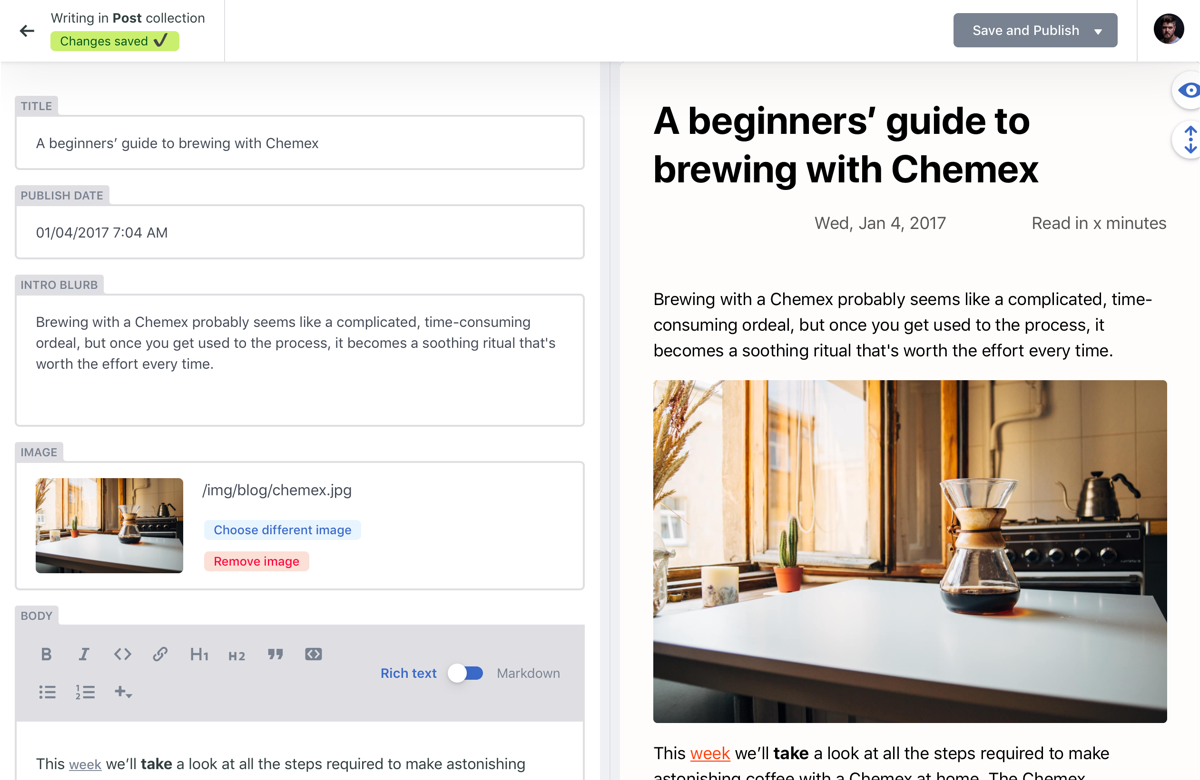
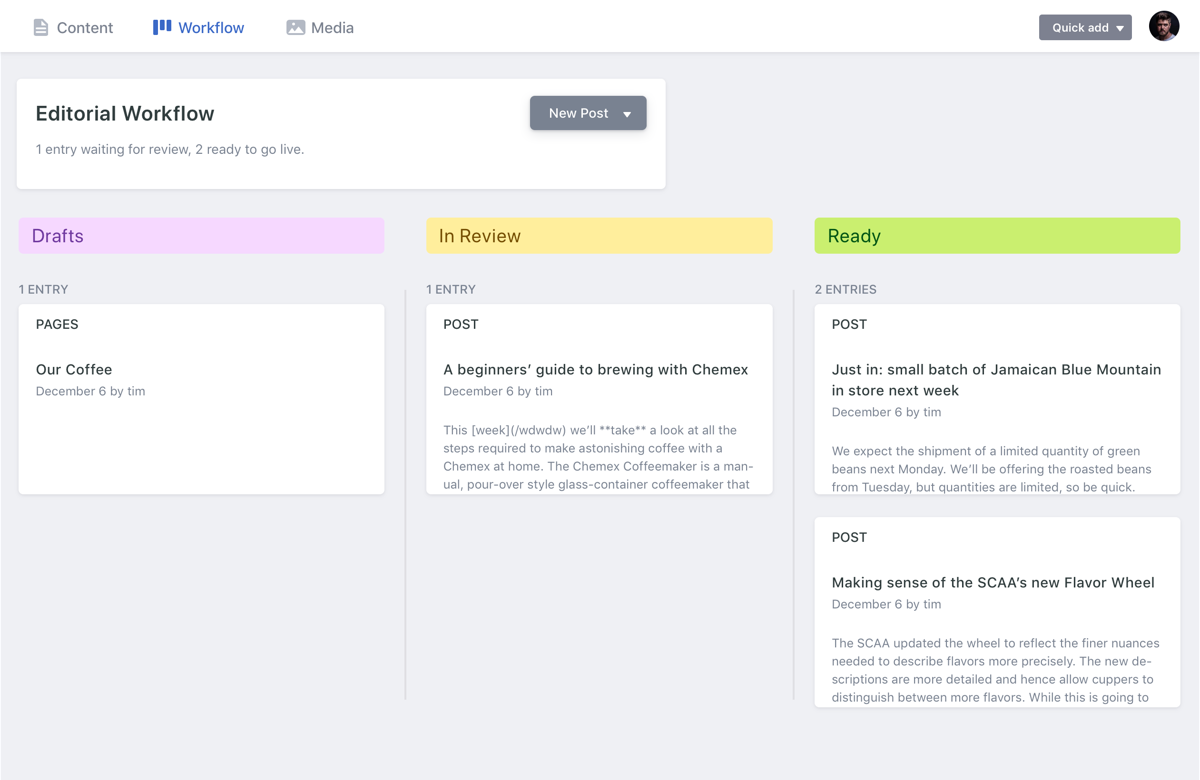
Decap Overview
Decap Key Features
| Feature | Value |
|---|
| Self hosted |
✅ |
| Data driven |
❌ |
| Free |
✅ |
| Git based |
✅ |
| Saas |
❌ |
| Cloud |
✅ |
| Cloud based |
✅ |
| Localization multilingual |
❌ |
| Open source |
✅ |
| Graphql |
❌ |
| Page builder |
❌ |
| User roles permissions |
❌ |
| Content scheduling |
❌ |
| Webhooks |
❌ |
| Media library |
✅ |
| Dark mode |
✅ |
| Customizable api |
❌ |
| In app marketplace |
❌ |
| Sso enterprise |
❌ |
Decap Tech Stack
| Tech Stack |
|---|
| Backend: | Static site backend via Git |
| Database: | Git-based (Markdown/YAML/JSON) |
| API: | Git Gateway / REST |
| Frontend Friendly: | - Hugo
- Jekyll
- Eleventy
- Next.js
- Gatsby
|
Decap Use cases
- Marketing websites
- Company blogs
- Documentation sites
- Landing pages
- Portfolio websites
Decap Integrations
- GitHub
- GitLab
- Bitbucket
- Cloudinary
- Netlify Identity
Decap Authentication methods
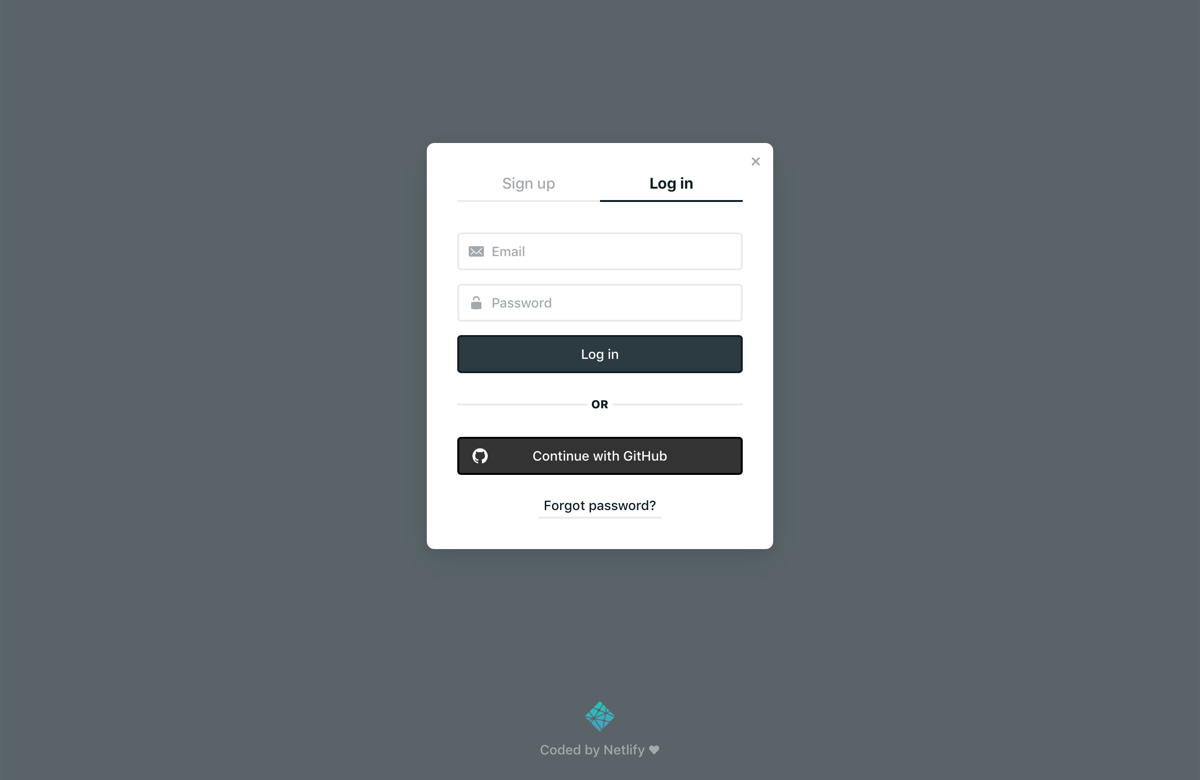
- Git-based login (GitHub, GitLab, Bitbucket)
- Netlify Identity
- External OAuth via custom backend
Decap Security features
- Git-based authentication
- Role scoping via Git providers
- Static hosting (no server exposure)
Decap Deployment options
- Netlify
- Vercel
- GitHub Pages
- Custom hosting
Decap Localization
- Enabled: False
- Interface:
- Content Translations: False
Decap Analytics
- Built-in: False
- Integrations:
- Google Analytics
- Plausible
- Simple Analytics
Decap Additional Info
- License: MIT
- Status: active
- Pricing:
Free Plan – True,
Paid From – ,
View Pricing
- Content Modeling UI: Configured via YAML (config.yml), folder-based collections
Page Updated: 2025-05-23