Most delays happen because of:
– unclear scope and changing expectations
– too many “small” decisions that never get finalized
– missing content or approvals at the wrong moment
– feedback that is emotional, not tied to goals
– no single view of progress, priorities, and next actions
PMKIN solves this by turning a complex digital project into a simple, trackable workflow.
How PMKIN works in practice
Instead of long calls and scattered messages, we align work around short cycles:
Define
We fix goals, page priorities, target audience, and success metrics (leads, bookings, calls, sales).
Plan
We agree on scope, responsibilities, timeline, and what assets are needed (texts, photos, services list, offers).
Execute
Design, development, UX/UI improvements, speed optimization, and SEO foundations move forward in a controlled sequence.
Review
Feedback is collected in one place, based on clear criteria – usability, clarity, conversion, and brand consistency.
Launch and stabilize
We test the key flows, check performance, and make final adjustments so the website is ready for real users.
What you gain with PMKIN
– Fewer revisions and less stress for your team
– Faster delivery without sacrificing quality
– Better collaboration between business, marketing, and developers
– Clear progress visibility at any time
– A website project that stays focused on results, not opinions
PMKIN is especially valuable for medical and service businesses, where trust, accuracy, and consistency matter and content approvals often involve multiple stakeholders.
If you want your website or redesign project to run smoothly and stay under control from start to finish, PMKIN is the workflow that makes it happen.
PMKIN Overview
PMKIN Key Features
| Feature | Value |
|---|
| Self hosted |
❌ |
| Data driven |
✅ |
| Free |
✅ |
| Git based |
❌ |
| Saas |
✅ |
| Cloud |
✅ |
| Cloud based |
✅ |
| Localization multilingual |
❌ |
| Open source |
❌ |
| Graphql |
❌ |
| Page builder |
✅ |
| User roles permissions |
✅ |
| Content scheduling |
✅ |
| Webhooks |
✅ |
| Media library |
✅ |
| Dark mode |
✅ |
| Customizable api |
✅ |
| In app marketplace |
❌ |
| Sso enterprise |
✅ |
PMKIN Tech Stack
| Tech Stack |
|---|
| Backend: | Cloud-based |
| Database: | Managed |
| API: | REST |
| Frontend Friendly: | - Any frontend framework
- Documentation portals
- Internal tools
|
PMKIN Use cases
- Internal knowledge bases
- Product documentation
- Customer support portals
- Process and policy hubs
- Content operations for teams
PMKIN Integrations
- Slack
- Zapier
- Make (Integromat)
- Google Drive
- Jira
PMKIN Authentication methods
- Email & Password
- SSO (SAML, Okta, Azure AD)
- Invite-based team access
PMKIN Security features
- Role-based access control
- Workspace permissions
- Audit logs (Enterprise)
- Rate limiting
PMKIN Deployment options
- PMKIN Cloud
- Any hosting (via embeds / API)
PMKIN Localization
- Enabled: False
- Interface:
- Content Translations: False
PMKIN Analytics
- Built-in: True
- Integrations:
- Google Analytics
- Segment
- Matomo
PMKIN Additional Info
- License: Commercial (SaaS)
- Status: active
- Pricing:
Free Plan – True,
Paid From – ,
View Pricing
- Content Modeling UI: Page builder with structured sections, templates, and reusable blocks
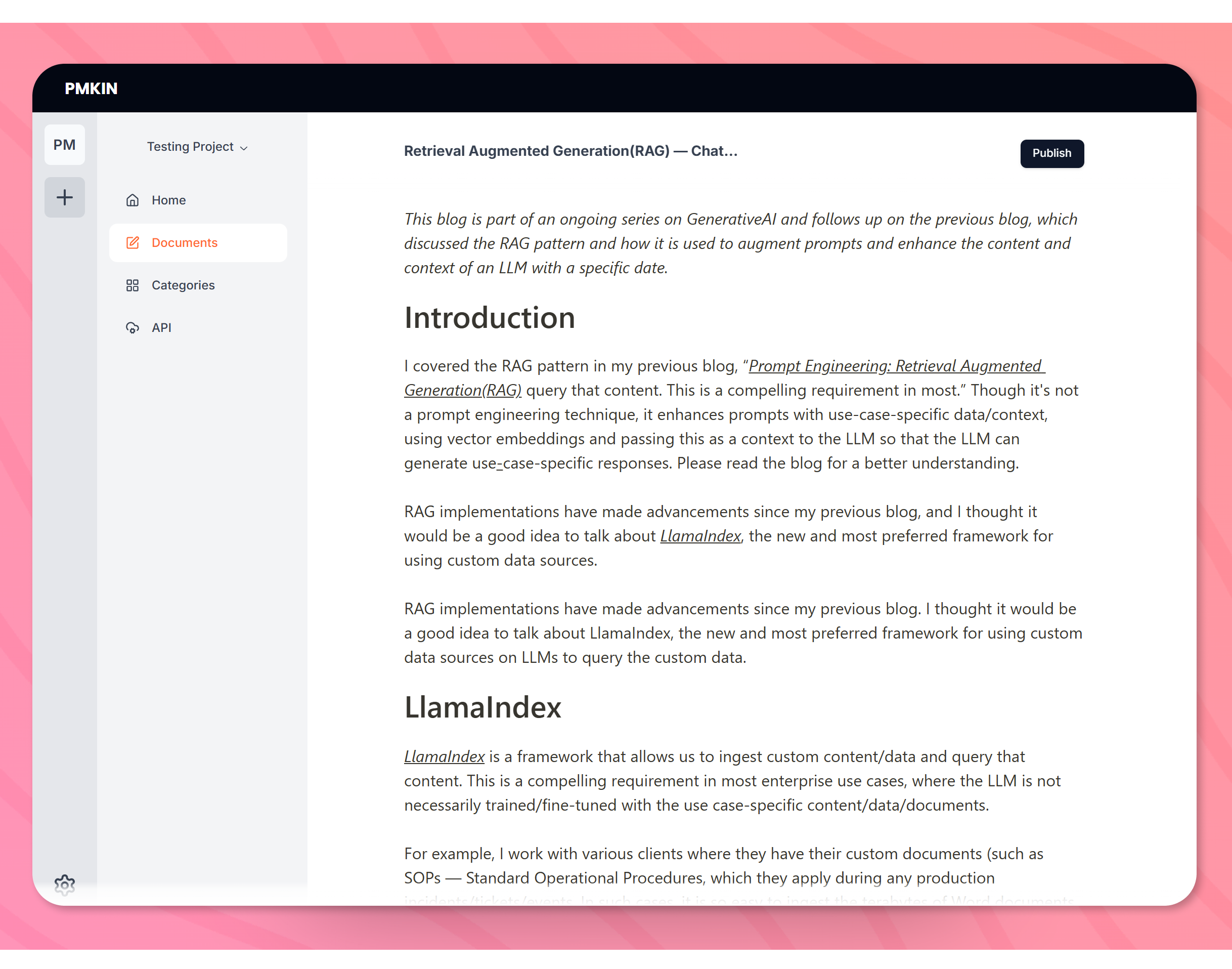
PMKIN Screenshots
Page Updated: 2025-12-26